Solution Brief

Ngenea Panel for DaVinci Resolve

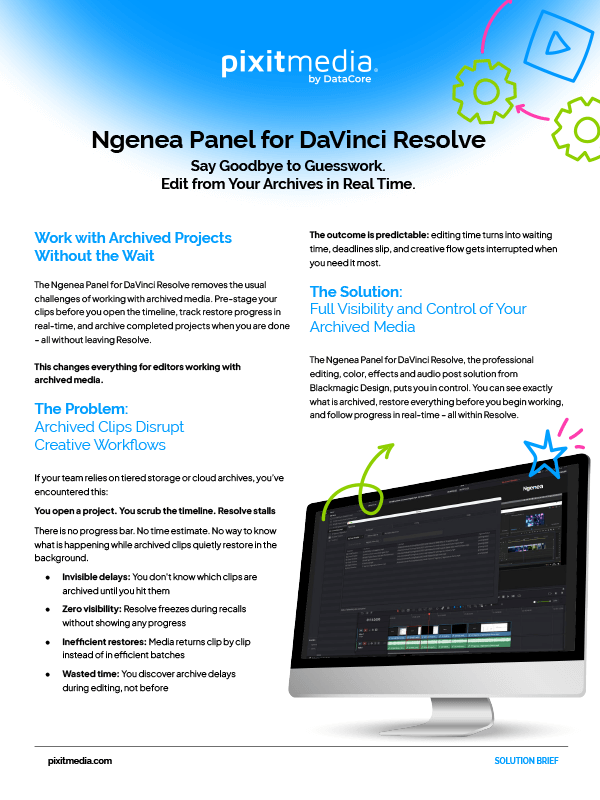
The Ngenea Panel for DaVinci Resolve gives editors visibility and control over archived media. See which clips are archived, restore them in batches, and track progress in real time, all within Resolve.
Share:
Ngenea Panel For Davinci Resolve Sb Thumb

What's Inside

  1. See which clips are archived before you start editing
  2. Restore all required media in a single batch
  3. Track restore progress in real time
  4. Archive finished projects with one click
  5. Built for Pixstor and Ngenea environments at scale

Download the solution brief to explore how the solution helps editors stay in their creative flow.


Get Your Free Copy

We Also Recommend

Experience Pixitmedia Solutions

Offering a portfolio of innovative solutions
that take your digital workflows Beyond Boundaries.
Rocket
Star

Subscribe to updates

This field is for validation purposes and should be left unchanged.
linkedin facebook pinterest youtube rss twitter instagram facebook-blank rss-blank linkedin-blank pinterest youtube twitter instagram